Digital vs Physical Vision Board: Which One You’ll Actually Look At
An honest comparison (time, cost, where it lives, editing, privacy) and how to make a digital vision board in four steps with no app and no account. Print it once if you want the ritual.
The short version: make the vision board you will actually look at. For most people that is the phone, so a digital vision board wins by default: about five minutes, free, no account, and printing it later is one click. You can make one in the browser with the vision board maker, and the photos never leave your device.
The digital vs physical debate is mostly people defending the afternoon they enjoyed. The afternoon with the magazines and the glue is real and nice. It is also the last time most of those boards get looked at, because a 22×28 poster board has nowhere to live except behind a door.
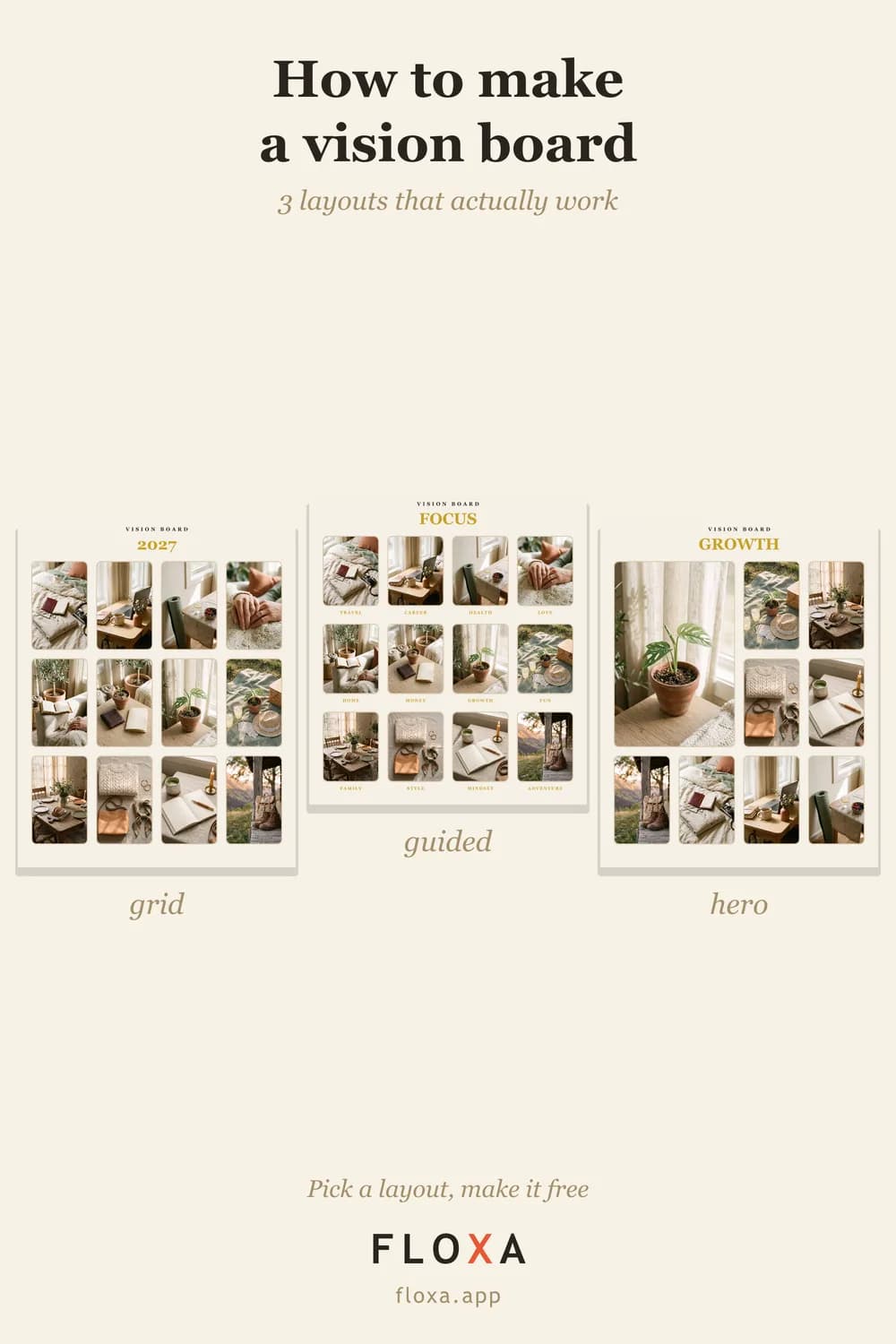
Digital vs physical vision board
| Digital | Physical | |
|---|---|---|
| Time | About 5 minutes | An afternoon |
| Cost | Free (HD print file is a one-time purchase) | Magazines, glue, board, printing the photos |
| Where it lives | Lock screen, desktop, and a frame if you print it | A wall, then a drawer |
| Editing | Swap one photo, keep the rest | Start over |
| The ritual | None, unless you count picking photos | The nice part: friends, scissors, a table |
| Privacy | With Floxa, photos never leave the browser | Not a question |
The physical column wins one row, and it is a good row. If the afternoon is the point, keep it: a vision board party with friends is exactly that, and the digital one can be what you make at the end of it so the board survives the evening.
How to make a digital vision board in four steps
- Pick the photos. From your camera roll, not a stock site: the listing, the race page, the two of you, the desk. Six for a phone, twelve for a print. If they are on Pinterest, save them first; the Pinterest post covers that move.
- Choose a style. There are 25: mosaic, cork board, gallery wall, checklist, Polaroid wall and so on, plus 11 colour palettes. Each one recolours and re-lays the whole board in one tap, so try three before you settle.
- Type your word. It lands on the frame live as you type: 2027, ENOUGH, STRONG. One word, not a quote.
- Download. The free PNG is 840×1050. Then either make the lock screen version (six photos around the clock, 1080×2400, no watermark) or get the HD for printing.
No sign-up at any step. The photos are processed in your browser and are never uploaded, which matters more than it sounds when the board has your bank target and your kid on it.
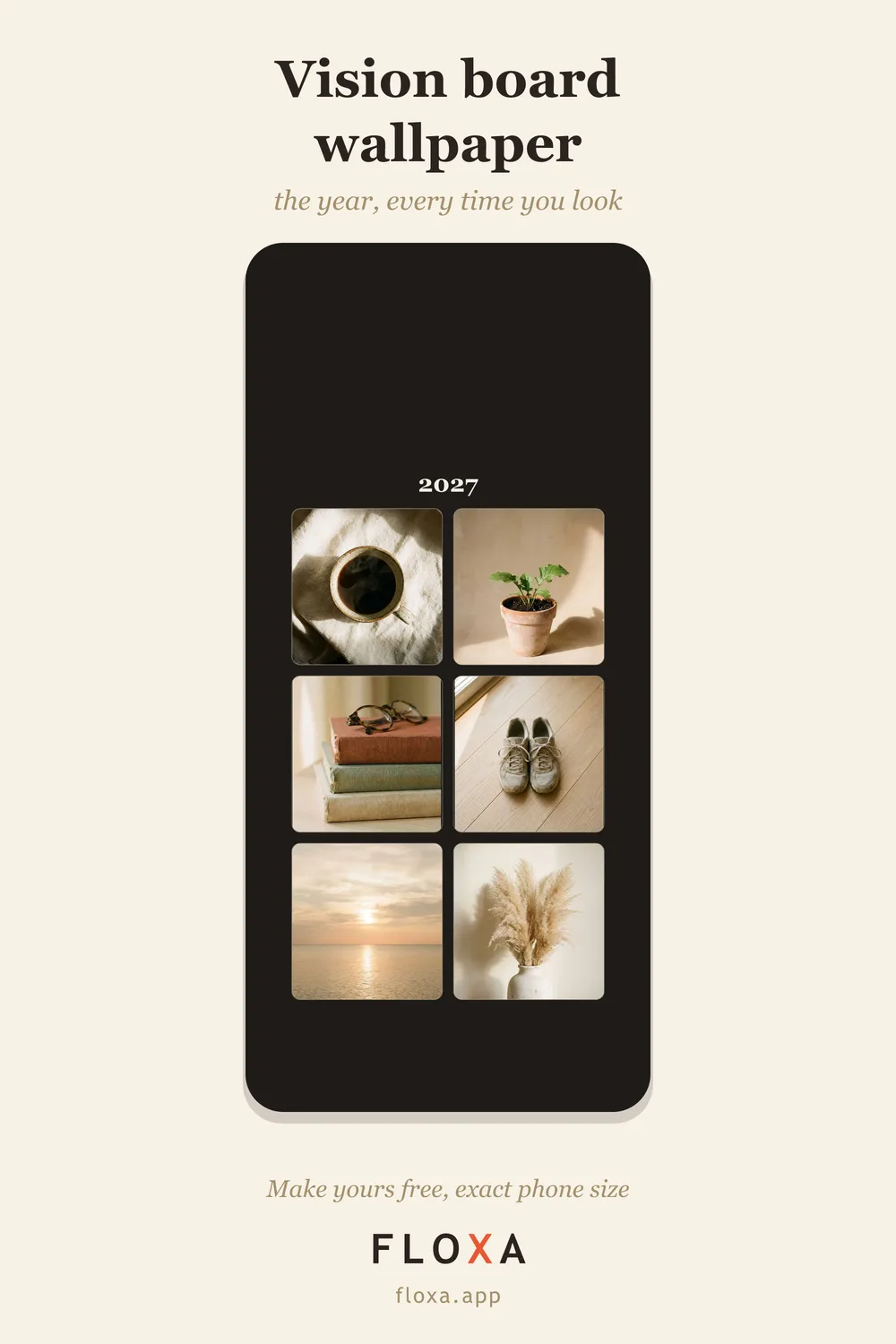
Do I need a vision board app?
No. You need a browser, which you have. An app would give you a login, a subscription screen, a permissions prompt for your whole photo library, and then the same PNG at the end. The browser version skips the first three.
What you actually want from a “vision board creator” is short: your own photos, a layout that crops them into cells without you fiddling, a word on the frame, and an export that works as a wallpaper and as a print. That is the whole feature list, and it fits on a web page.
Digital does not have to look digital
The usual objection is that a digital board looks like a spreadsheet. It does if you use a grid template from a slides app. It does not if the style is doing the work: the cork board preset has pins and paper, the cut-out collage has torn edges, the Polaroid wall has the white borders. If you miss the craft look, pick a craft look; the photos still crop themselves.

More looks, with the link that opens each one, are in aesthetic vision board ideas.
The hybrid: make it digital, print it once
The best version is both. Make the board on the phone, set the lock screen so you see it daily, and print the HD once for the desk. The HD is 2400×3000 pixels, which is an exact 8×10 at 300 dpi and still 150 dpi at 16×20, so the same file goes in a desk frame or on a wall. Which size for which spot is in vision board size.
And when a goal changes in March, you swap one photo and print again, instead of buying more glue.

If you want the longer walkthrough with every step and the sizes, it lives in how to make a vision board.
Questions people actually ask
Is a digital vision board as effective as a physical one?
A board is only as effective as the number of times you see it. A lock screen gets seen about a hundred times a day; a poster board in a bedroom gets seen when you happen to look up. On that measure digital wins, and you can still print it.
What is the best app for a digital vision board?
You do not need one. A browser tool works on any phone without an install or an account, and the export is a normal PNG you can set as a wallpaper or send to print. Apps mostly add a login and a subscription to the same result.
Can I turn a digital vision board into a physical one?
Yes. The HD export is 2400×3000 pixels, an exact 8×10 at 300 dpi. Print it at any photo kiosk or online lab and it goes in a standard frame.
The photos are already on your phone. Make the digital one — free, 5 minutes.