Vision Board Size Guide: Phone, 8×10 Frame or Wall (What Prints Clean)
There is no standard vision board size, only the place it will live: 1080×2400 for a phone, 8×10 for a desk, 11×14 or 16×20 for a wall. One 2400×3000 HD file covers all three.
The short version: there is no standard vision board size; the right one is the size of the place you will see it. Phone: 1080×2400 pixels. Desk frame: 8×10 inches. Wall: 11×14 or 16×20. One HD file from the vision board maker, 2400×3000 pixels, covers every one of those, and the phone version is a separate free export.
People ask about vision board dimensions as if there were a rule, the way there is for a passport photo. There is not. There is a craft-store answer (poster board, 22×28 inches), which is the size of a thing you will make once, lean against a wall and forget behind the door. Better question: where is it going to live?

Vision board size, by where it lives
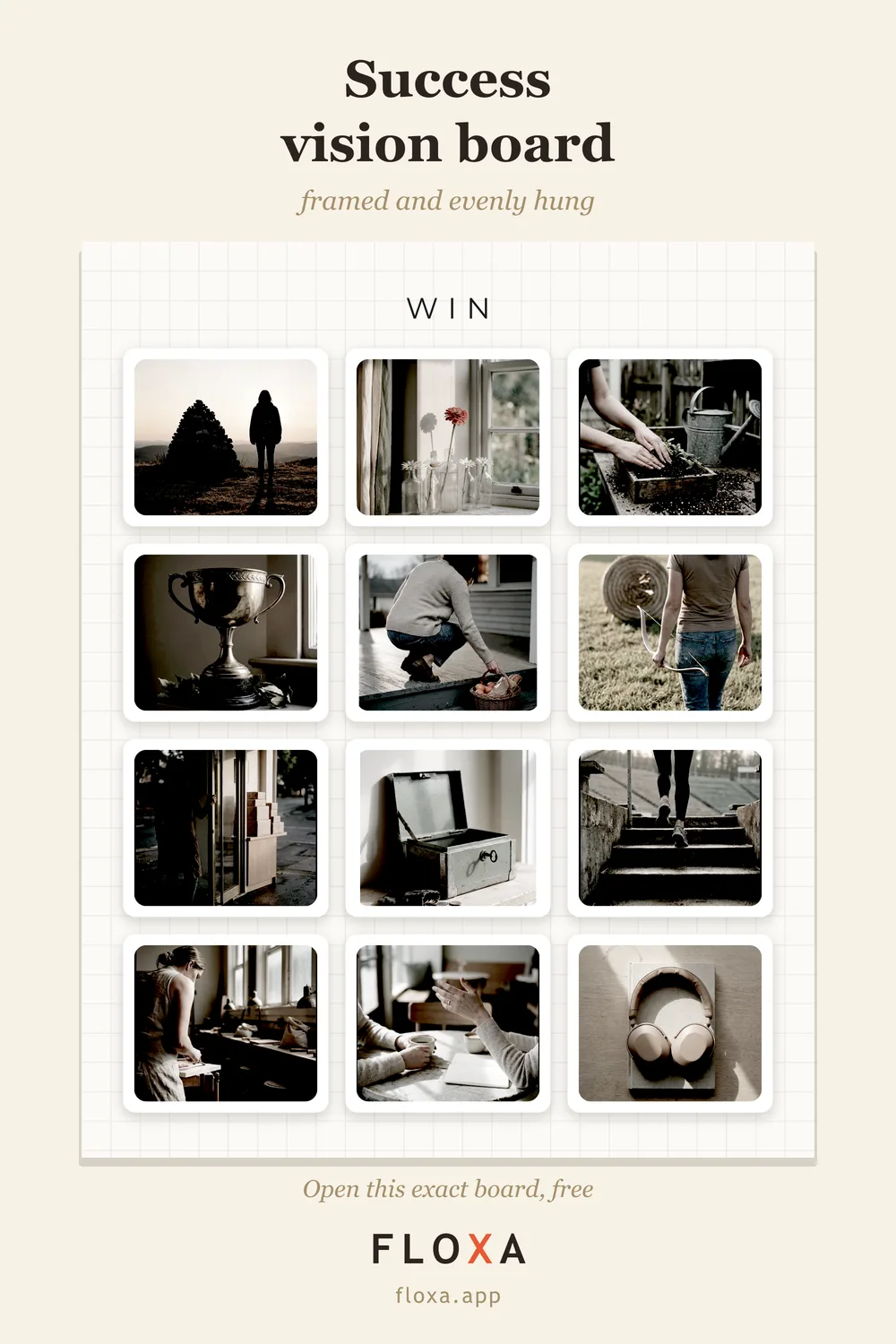
The board is a 4:5 portrait by default. The HD export is 2400×3000 pixels, and dots per inch is just pixels divided by inches, so every size below is the same file, printed bigger or smaller.
| Where it lives | Size | From the 2400×3000 HD |
|---|---|---|
| Phone lock screen | 1080×2400 px | Its own export, free, no watermark |
| Small frame, shelf | 5×7 in | 5:7 is a different ratio from 4:5: order “fit” and you get a thin margin. Around 480 dpi, more than any printer uses |
| Desk, nightstand | 8×10 in (20×25 cm) | 300 dpi, exact, no cropping |
| Home printer | A4 | About 290 dpi |
| Wall, small | 11×14 in | About 218 dpi, sharp up close |
| Wall, medium | 16×20 in | 150 dpi, fine at arm’s length |
| Wall, big | 18×24 in | 133 dpi: soft with your nose on it, fine across a room |
Rule of thumb for any print: 150 dpi and up looks fine on a wall, 250 and up looks sharp in your hands. The free PNG (840×1050) is for screens and small prints; anything that goes in a frame wants the HD.
The four shapes, and which one goes where
The Studio exports four shapes, and the shape matters more than the pixel count, because a shape that does not match its frame gets cropped.
- Portrait 4:5. The default. Frames, desks, walls, Instagram feed. Print sizes: 8×10, 16×20.
- Square. Shelf frames and square prints. Reads well from far away because there is no top or bottom.
- Story 9:16. Instagram stories and, in a pinch, a phone wallpaper. For the actual lock screen, use the dedicated export below; it knows where the clock is.
- Wide 16:9. Desktop wallpaper. A 4:5 board on a wide monitor is a postage stamp with black bars; a 16:9 one fills it.
The phone is a size too
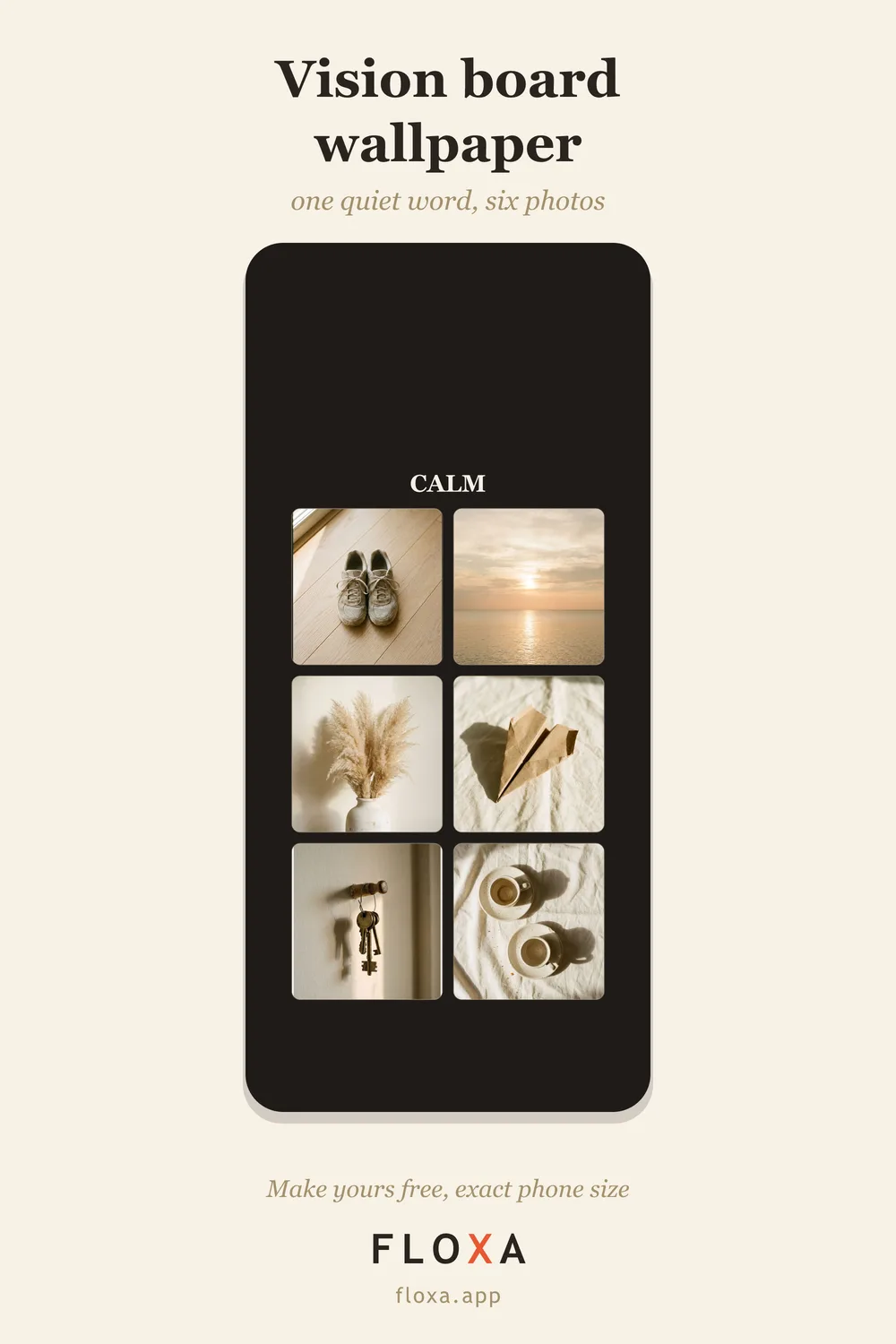
For most people the board that gets seen is the phone one, and it has its own dimensions: 1080×2400 pixels, a 9:20 shape that fits every current phone when set as fill. The lock screen maker exports exactly that, with six photos and one word laid out around the clock so the time never sits on a face. Free, no watermark, no account.
If you want the exact pixel count for your model (iPhone 17 Pro Max is 1320×2868, a Galaxy S25 is 1080×2340, and so on) the whole table is in iPhone wallpaper size. And six lock screen ideas with the word for each are in vision board wallpaper ideas.
About that 22×28 poster board
The classic vision board is a craft-store poster board, 22×28 inches, covered in magazine cut-outs. It is a nice afternoon. It is also enormous, and enormous things do not go on a desk or a nightstand; they go behind a door. You do not need a board that big. You need one you will look at, and the ones that get looked at are phone-sized and 8×10.
8×10 is also the frame that is always in stock, everywhere, in every finish. The HD export is an exact 8×10 at 300 dpi, no margins, no cropping, so the size decision is mostly made for you.
How to make it, then pick the size
Make the board first. Pick a style out of 25, drop in 4 to 24 photos, type your word, download. Then decide where it goes, and the size follows from the table. The full walkthrough is in how to make a vision board, and if you want to see the four shapes on finished boards before choosing, the gallery has 25 of them.
Questions people actually ask
What is the standard size of a vision board?
There is none. Craft-store poster board is 22×28 inches, but a board only needs to be as big as the place you will see it: 8×10 on a desk, 11×14 or 16×20 on a wall, 1080×2400 pixels on a phone.
What size should I print a vision board?
8×10 for a desk or shelf, 11×14 or 16×20 for a wall. The HD export is 2400×3000 pixels, which is an exact 8×10 at 300 dpi and still 150 dpi at 16×20, so one file covers all three.
Can I make a vision board wallpaper for my phone?
Yes, free. The lock screen version is a separate 1080×2400 export with six photos and one word laid out around the clock, with no watermark.
The size is the last decision, not the first. Make it first, pick the size after.