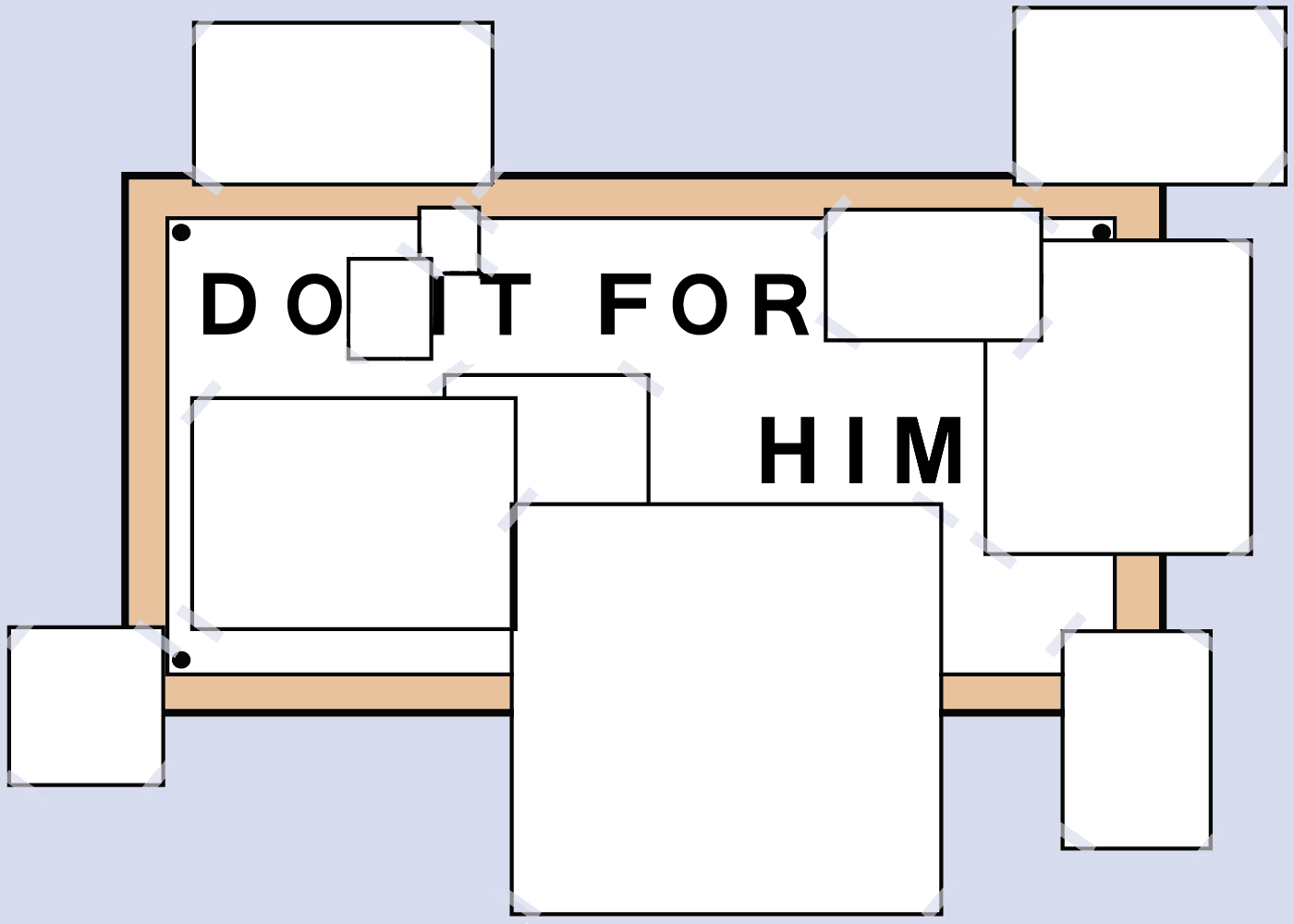
Floxa's Do It For Him generator recreates the iconic viral photo frame with your own pictures — the same template, switched to HIM. Fill all 11 slots of the Do It For Him template, crop each photo to fit, and download a print-ready PNG — free, no account needed.

How does it work?

1Open the generatorVisit floxa.app/do-it-for-her — no account or sign-up needed.
2Upload your photosClick any of the 11 slots and select a photo from your device.
3Adjust the cropUse the crop tool to frame each photo perfectly within its slot.
4Download & printFree download with watermark, or pay once for HD ready to print.

Frequently asked questions

What is the "Do It For Her" collage generator?
A free online tool to create a personalized photo collage template inspired by the classic viral meme. Upload your own photos and download a print-ready result.
Can I also make a "Do It For Him" version?
Yes. Toggle the switch on the generator to switch between the "For Her" and "For Him" layouts instantly.
Is the download free?
Free download is always available. For a high-definition (HD) version without watermarks, ready to print at any size, the HD export is available as a one-time purchase.
Do I need to create an account?
No sign-up, no account, no email. Just upload your photos and download your collage.
How many photos does the collage need?
The template has 11 photo slots — one large main photo and ten smaller ones arranged around it. You can fill as many or as few as you like.
Where does 'Do It For Her' come from?
It started as a viral internet meme — an image of a photo frame completely covered with pictures of someone dearly loved. The concept resonated worldwide as a symbol of total dedication to the people who matter most.

From the blog