iPhone Wallpaper Size and Dimensions (Every Model) + iPad, Android, Desktop
Exact wallpaper sizes in pixels for every iPhone from the 11 to the 17 Pro Max, plus iPad, Samsung, Pixel and desktop, and the clock-band rule so nothing important gets covered.
The short version: most current iPhones want a wallpaper of 1179×2556 or 1290×2796 pixels. For one image that fits any phone, make it 1290×2796 or 1080×2400 (about 9:20) and let the phone fill it — the aspect ratio matters more than the pixel count. The free lock screen tool exports 1080×2400 with six photos laid out around the clock.
Every spec page hands you a list of numbers and stops there. The two things they skip are why a photo still gets cropped when the numbers are right, and where the clock is going to land on it. Both are below the tables, because the tables are what you came for.
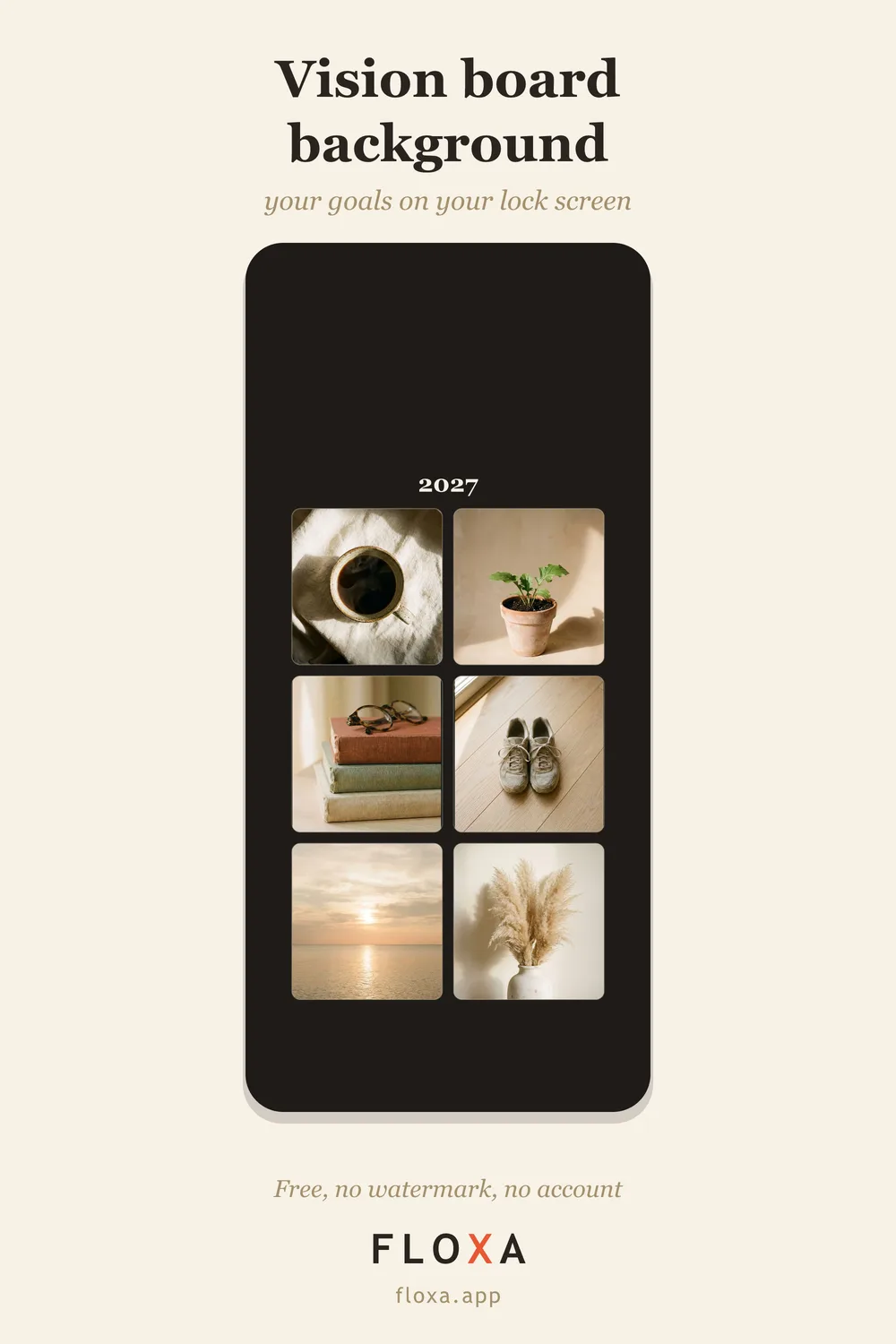
iPhone wallpaper size by model
The iPhone wallpaper dimensions are simply the screen resolution. Lock screen and home screen use the same image size, so there is no separate “iPhone lock screen size” to look up.
| iPhone | Wallpaper size (px) | Screen |
|---|---|---|
| iPhone 17 Pro Max, 16 Pro Max | 1320×2868 | 6.9-inch |
| iPhone 17, 17 Pro, 16 Pro | 1206×2622 | 6.3-inch |
| iPhone Air | 1260×2736 | 6.5-inch |
| iPhone 16 Plus, 15 Plus, 15 Pro Max, 14 Pro Max | 1290×2796 | 6.7-inch |
| iPhone 16, 15, 15 Pro, 14 Pro | 1179×2556 | 6.1-inch |
| iPhone 17e, 16e, 14, 13, 13 Pro, 12, 12 Pro | 1170×2532 | 6.1-inch |
| iPhone 14 Plus, 13 Pro Max | 1284×2778 | 6.7-inch |
| iPhone 13 mini, 12 mini | 1080×2340 | 5.4-inch |
| iPhone 11 | 828×1792 | 6.1-inch |
| iPhone 11 Pro | 1125×2436 | — |
| iPhone 11 Pro Max | 1242×2688 | — |
| iPhone SE (2nd and 3rd gen) | 750×1334 | 4.7-inch |
Look at the shape rather than the numbers. Everything from the iPhone 11 up, except the SE, sits within a hair of 9:19.5. That is the useful fact: one image at that ratio scales onto any of those screens without a visible loss, which is why you do not need a different file per phone.
iPad wallpaper size
| iPad | Wallpaper size (px) |
|---|---|
| iPad (11th gen), iPad Air 11-inch | 1640×2360 |
| iPad Air 13-inch | 2048×2732 |
| iPad mini (7th gen) | 1488×2266 |
| iPad Pro 11-inch (M4/M5) | 1668×2388 |
| iPad Pro 13-inch (M4/M5) | 2064×2752 |
An iPad is much squarer than a phone, so a phone wallpaper on an iPad loses its top and bottom. If the same board has to live on both, build it twice: a 9:16 story shape for the phone and the 4:5 portrait for the tablet, both available in the Studio.
Android wallpaper size: Samsung and Pixel
| Phone | Wallpaper size (px) |
|---|---|
| Samsung Galaxy S25 | 1080×2340 |
| Samsung Galaxy S25+, S25 Ultra | 1440×3120 |
| Google Pixel 10 | 1080×2424 |
| Google Pixel 10 Pro | 1280×2856 |
| Google Pixel 10 Pro XL | 1344×2992 |
| Most other Android phones | 1080×2340 or 1080×2400 |
Samsung sits at 9:19.5 like the iPhone; the Pixels are a touch taller, right at 9:20. A 1080×2400 image covers both families: on a Pixel it fits edge to edge, on a Samsung the phone trims a few rows at the top and bottom that you will never miss.
Desktop wallpaper size
| Screen | Wallpaper size (px) |
|---|---|
| Full HD monitor | 1920×1080 |
| QHD monitor | 2560×1440 |
| 4K monitor | 3840×2160 |
| MacBook Air 13-inch | 2560×1664 |
| MacBook Pro 14-inch | 3024×1964 |
| MacBook Pro 16-inch | 3456×2234 |
Monitors are 16:9; the MacBooks are a little taller, so a 16:9 image on a MacBook gets a small crop at the sides or a thin bar top and bottom, depending on the setting. Neither ruins anything. The Studio has a wide 16:9 shape for exactly this, and the sizes for print are in the vision board size guide.
The safe area nobody mentions
On a lock screen the clock takes roughly the top 20% of the image, the widgets sit right under it, and on an iPhone the flashlight and camera buttons live in the bottom corners. Anything you place in those bands gets covered.
That is the difference between a photo that works as a wallpaper and one that just fits. Keep faces and words out of the top fifth and the bottom edge, and put the thing you want to see in the middle band, where nothing sits on top of it.
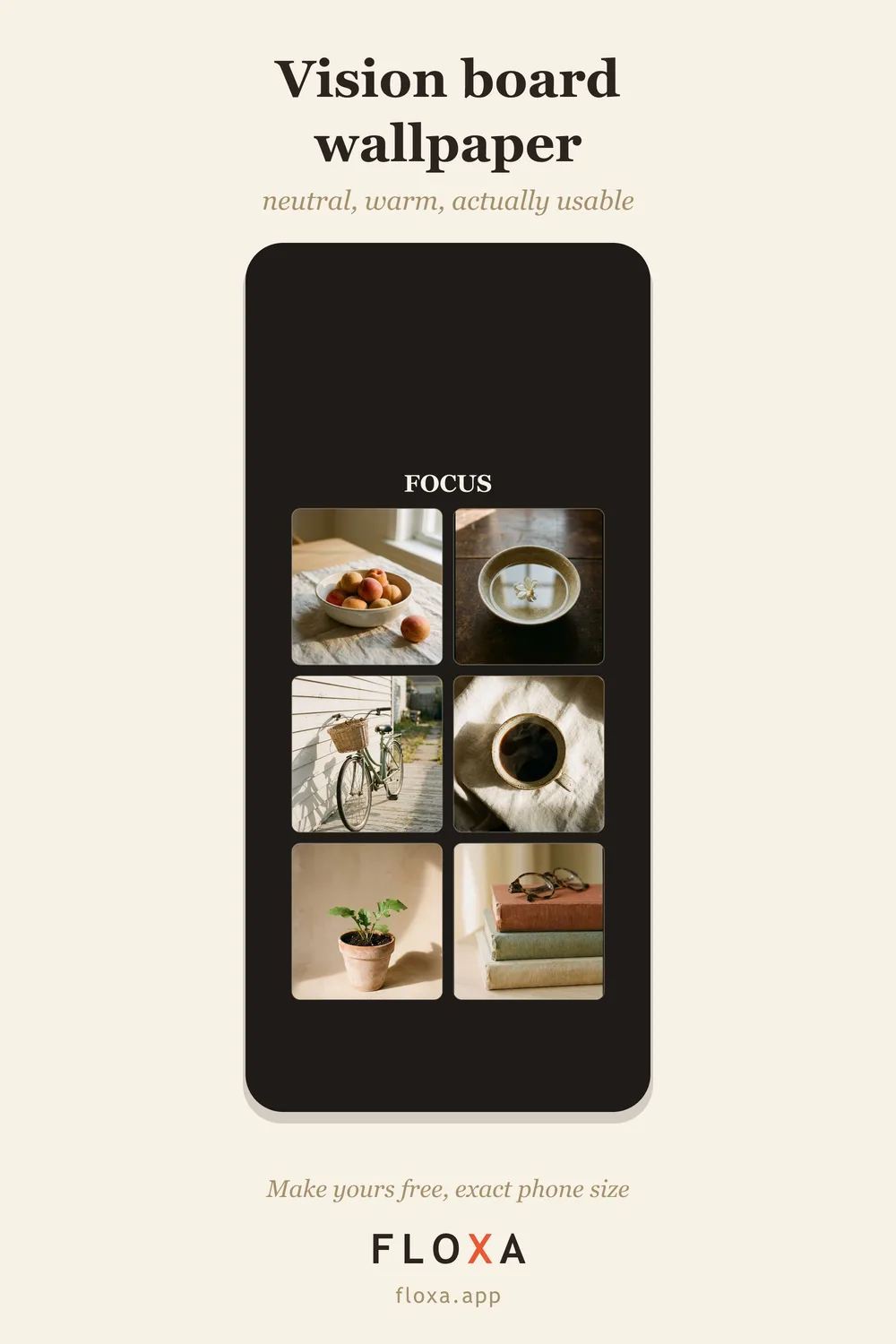
How to make a picture fit as a wallpaper
On an iPhone: Photos, pick the image, share, Use as Wallpaper, then pinch to move and scale it. On Android it is the same idea from the gallery, and you can set it for the lock screen only. If a face gets cut off no matter how you pinch, the image is the wrong ratio, not the wrong size. A 4:3 photo cannot become 9:19.5 without losing its sides.
So crop first. Crop the photo to 9:19.5 (or 9:20) in the Photos app, or start from an image built at that ratio, and the fit step has nothing left to cut. For a wallpaper made of several photos, six ideas for a vision board wallpaper go through what to put in each cell.
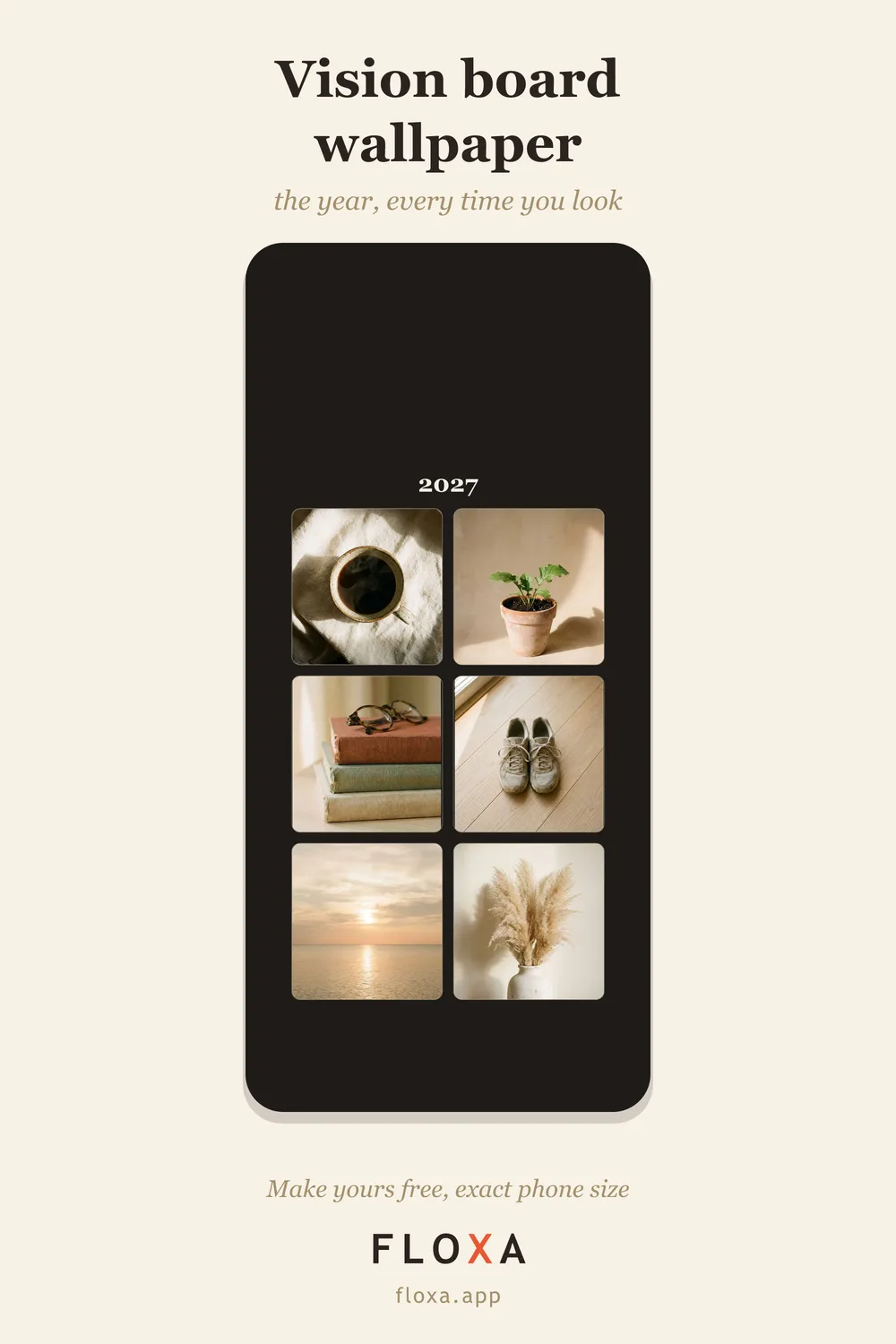
The lock screen tool skips the whole problem: six photos and one word, laid out around the clock so nothing sits under the time, exported as a 1080×2400 PNG. Free, no watermark, no sign-up, and the photos never leave your browser. Long-press the result, Save Image, set it as your lock screen.
Questions people actually ask
What size is an iPhone wallpaper?
It depends on the model: 1179×2556 pixels for the iPhone 16, 15 and 15 Pro, 1290×2796 for the Plus and older Pro Max models, 1206×2622 for the iPhone 17 and 16 Pro, 1320×2868 for the 17 Pro Max and 16 Pro Max. One image at 1290×2796 fits all of them when set as Fill.
What is the best size for a phone wallpaper that fits any phone?
1080×2400 pixels (9:20) fits every current iPhone and Android when you set it as Fill; the phone trims a few pixels at the top and bottom on 19.5:9 screens. Keep anything important out of the outer 5% and the top clock band.
Why does my wallpaper get cropped?
The aspect ratio is wrong, not the size. A 4:3 photo on a 9:19.5 screen has to lose its sides. Crop the picture to 9:19.5 first, or use a wallpaper built at that ratio, and nothing gets cut.
Done reading numbers? Make a wallpaper at the exact size — free, six photos and a word, about five minutes.