How to Make a Mood Board From Your Pinterest Saves (Free, No Account)
A mood board is a vibe, a vision board is a plan. Five steps from saved pins to one image, four example layouts (photo dump, cut-out, notebook, corkboard), outfit and colour boards, nothing uploaded.
The short version: a mood board is a vibe, a vision board is a plan. To make a mood board from Pinterest, save 8 to 16 pins to your camera roll, drop them into a freeform style in the free maker, arrange them by hand and add one word or none. One image, 2400×3000 in HD, no account, about five minutes.
Pinterest is very good at collecting and not very good at finishing. You end up with a board of 140 pins that looks like a mood when you scroll it and looks like nothing when you try to show someone. The fix is getting the eight that matter onto a single image you can send, print or set as a wallpaper.
Mood board vs vision board
A mood board holds a feeling: colours, textures, the light in a room, the way a trip or an outfit or a year should look. A vision board holds targets: the flat, the number, the race. Same tool, same photos, different cells. If you are not sure which one you are making, ask whether the picture is something you want to have or something you want things to feel like.
This post is about the second one. For the plan version, Pinterest to vision board covers the same workflow with goals in the cells.

How to make a mood board in five steps
- Collect on Pinterest. Do this the way you already do it. Pin freely; the editing happens later, not while you are scrolling.
- Pick 8 to 16. Open the Pinterest board and choose the pins that carry the whole feeling. If two say the same thing, keep one. Under eight is a photo; over sixteen is the Pinterest board again.
- Save them to your camera roll. Long-press each pin, save. Your own photos count too, and usually beat the pins.
- Drop them into a freeform style. Open the maker, add all of them at once, and pick a layout without a grid: photo dump, cut-out collage, notebook or corkboard. The board takes 4 to 24 photos, so sixteen fits with room.
- Arrange by hand, add one word or none. Every photo moves, resizes and crops. Put the strongest one biggest. A mood board often needs no word; if it wants one, keep it to one.
Nothing gets uploaded during any of that. The photos are processed in your browser and the finished image is the only thing that leaves it, when you download it.
Four mood board examples
The photo dump. Casual, scattered, edges overlapping. This is the closest thing to how a Pinterest board feels, minus the grid. Good for a month, a trip or a season you want to remember the look of.
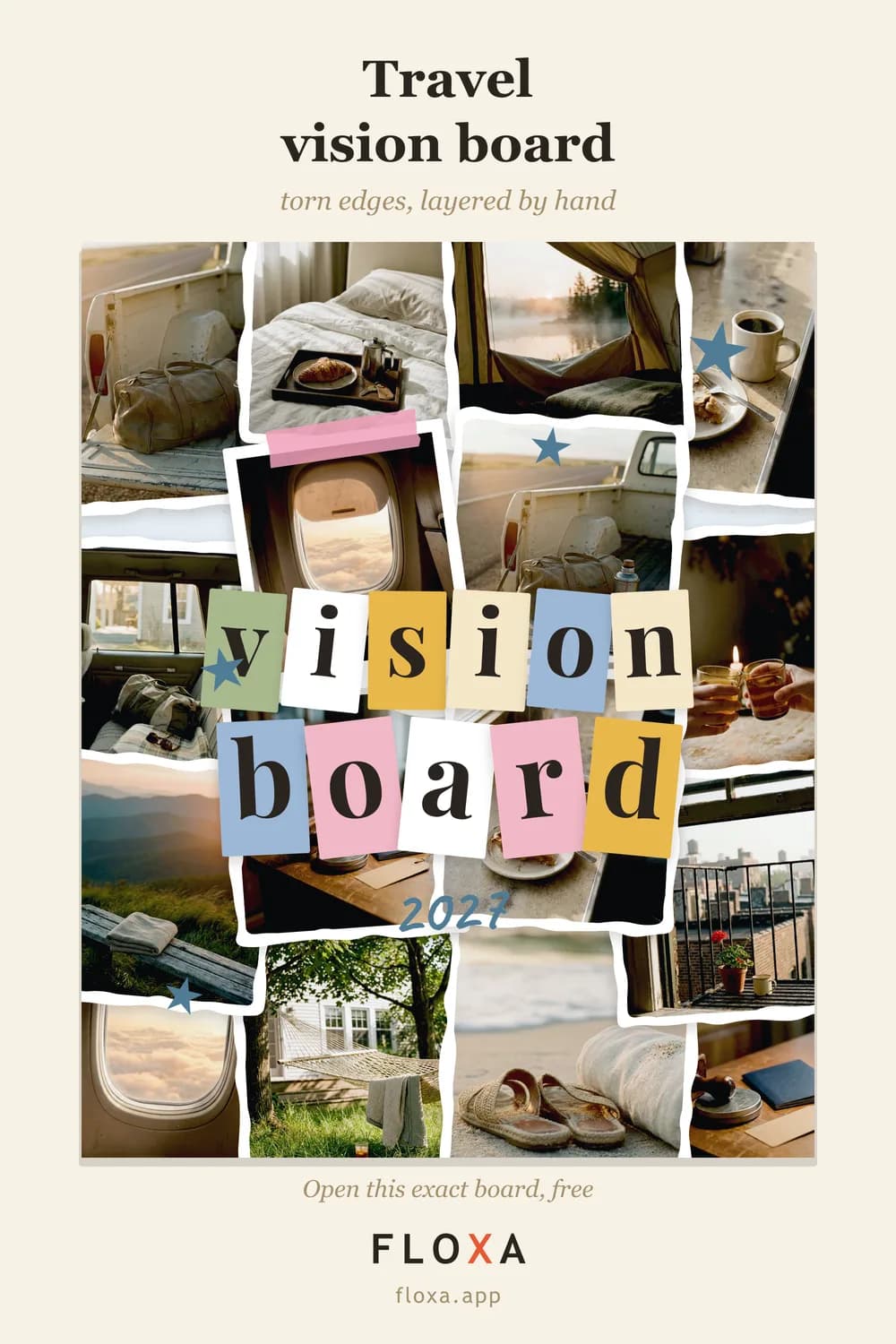
The cut-out collage. Torn edges, layers, the scrapbook you never had the patience for. Photos sit on top of each other on purpose, so it takes fewer pins to look full. Good for outfits and interiors.
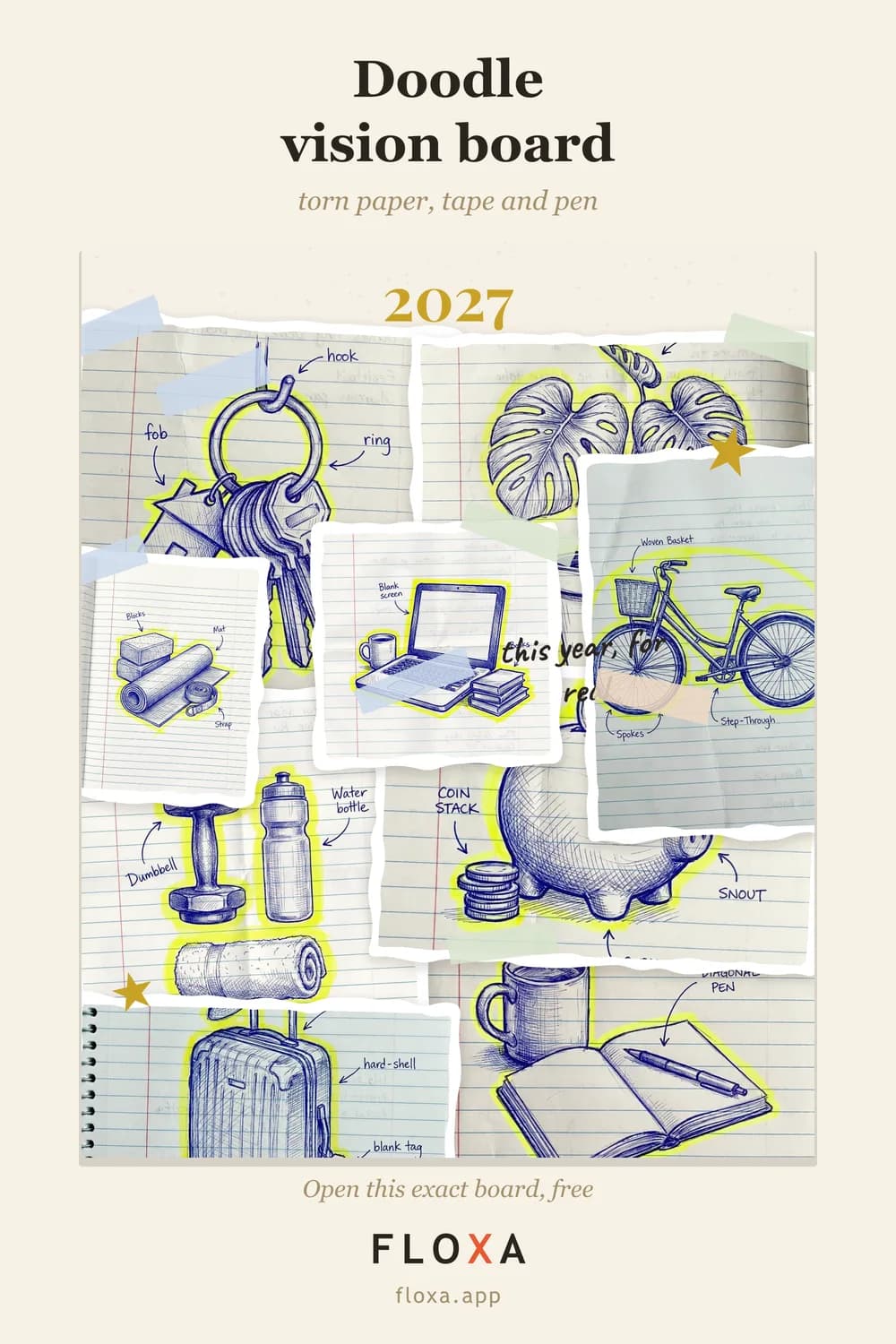
The doodle notebook page. Photos on a page that looks written in, with paper edges and room to breathe. Good for a study mood, a creative project, or anyone whose Pinterest board is mostly stationery.
The corkboard. Pinned, a little uneven, the kraft palette. This is what a physical inspo board looks like when someone with a good eye makes one, and the pins can be tickets and notes as well as photos.

These four are the freeform ones. The full set of 25 styles, including the grids and the frames that suit a vision board better, is in the gallery, and the twelve most searched looks are in the aesthetic vision board ideas.
Outfit mood board and color mood board
An outfit mood board is photos of the pieces, not of people wearing them: the coat, the shoes, the bag, the one print. Eight to twelve pieces, cut-out collage, and pick the palette that matches the clothes so the frame does not fight the outfit. A wardrobe in camel and cream on the night palette looks like a crime scene.
A color mood board goes the other way round: choose the palette first, then only pins that live inside it. The 11 palettes (cream, blush, kraft, boho, forest, opera, editorial, sage, terracotta, sky, night) recolour the whole frame in one tap, so you can test the photos against three grounds in a minute and keep the one where they stop looking like separate pins.
Why not just screenshot Pinterest
Because a screenshot has other people’s pins in it, the Pinterest watermark, the grid Pinterest chose, and a resolution that falls apart the moment you print it. A board made in the maker is one image, at 2400×3000 in HD, which is an exact 8×10 at 300 dpi for a frame, and there is a free 840×1050 PNG for the screen. The six-photo version for the phone lock screen is free too, at 1080×2400, with no watermark at all.
The other reason is smaller but real: a screenshot is a picture of Pinterest. The board is a picture of your mood, and the difference shows the moment you send it to someone.
Questions people actually ask
What is the difference between a mood board and a vision board?
A mood board is a feeling: colours, textures, a look you want a room, an outfit or a year to have. A vision board is a plan: specific goals you can picture. Same tool, same photos; the difference is whether the cells hold a vibe or a target.
Can I make a mood board from Pinterest?
Yes. Save the pins you want to your camera roll (long-press → save), add them to the maker all at once, pick a freeform style and arrange them. Pinterest collects; the maker turns the collection into one image.
How many images should a mood board have?
Eight to sixteen. Under eight it is a photo, not a mood; over sixteen it turns back into the Pinterest board you were trying to leave.
Got your eight? Make your mood board — free, no account.